What stays and what goes
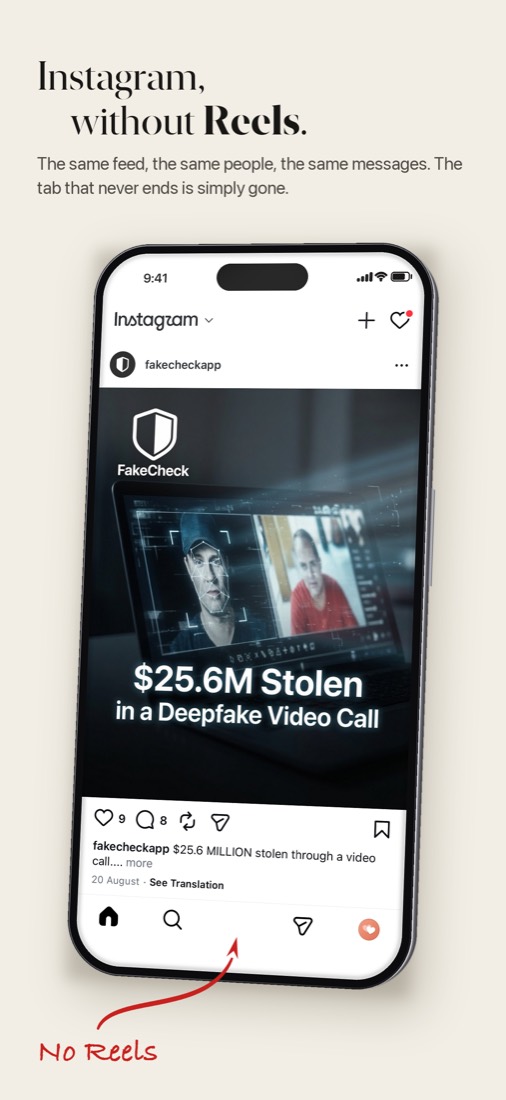
Your feed, your stories, your messages and your profile load the way you
know them. Reels and Explore are not there. The posts Instagram suggests
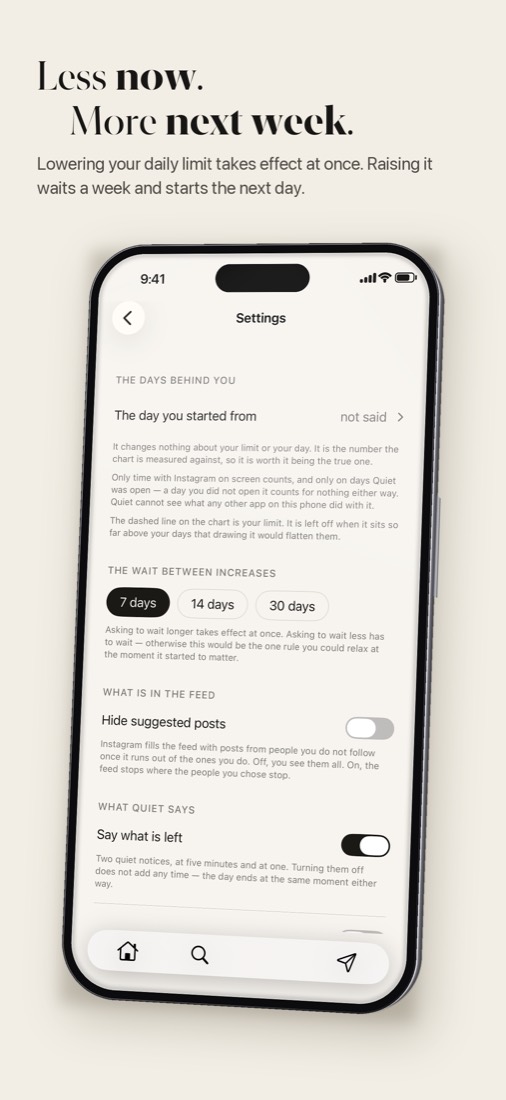
between your friends stay by default, and one switch takes them out, which
also gives the feed an end you can actually reach.
You sign in on Instagram's own page, so your password never touches
Quiet.
How the limit works
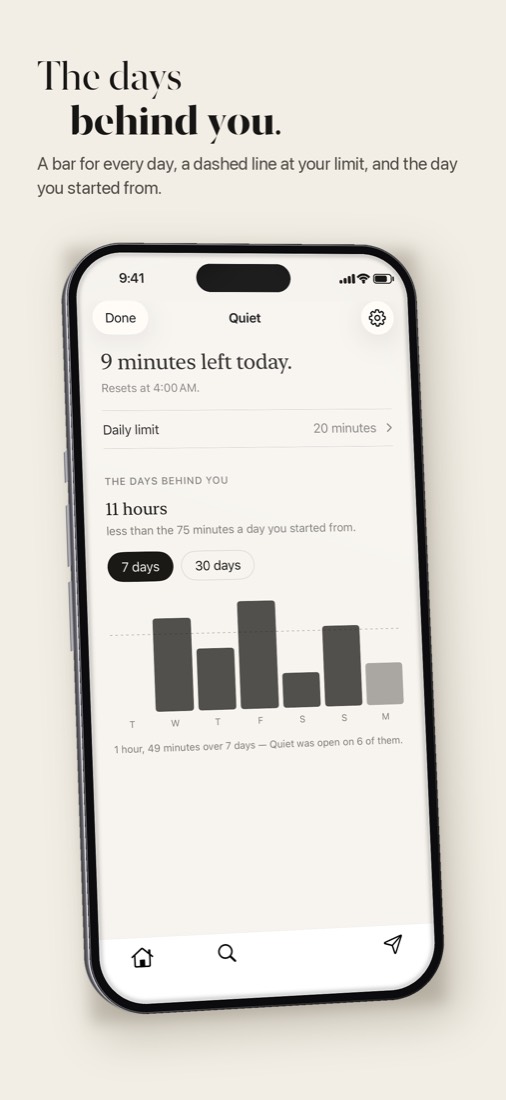
You choose how many minutes a day you want, from five upwards. The time
only runs while Quiet is in front of you. There is a quiet notice at five
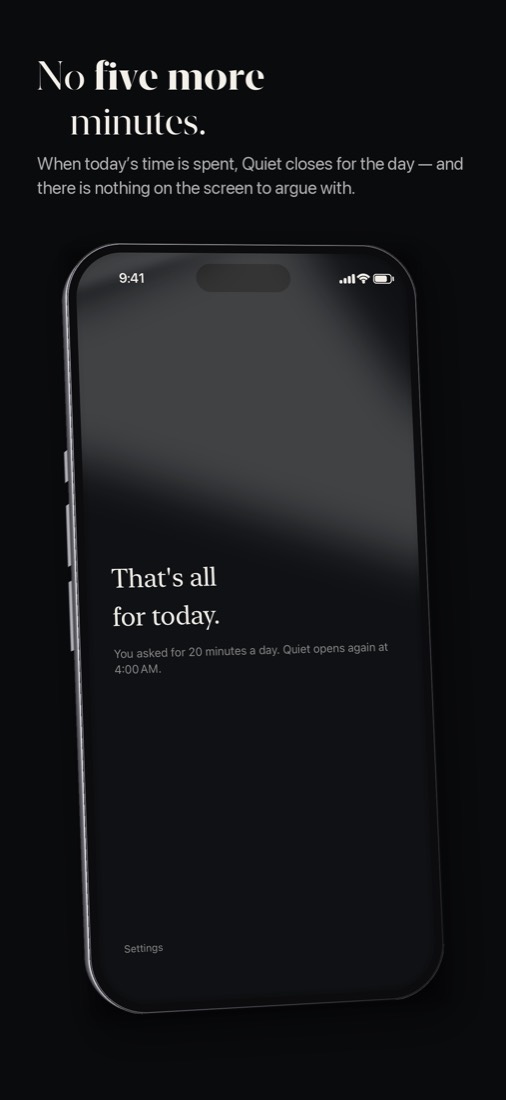
minutes and at one. When the time is gone, the app closes until four in the
morning.
| You ask for | When it applies | How often |
|---|
| Less time | Right away | Whenever you like |
| More time | From the next day | Once a week |
That asymmetry is the whole app. Most limits fail because you can lift them
the second they start to bite. This one lets the decision you make calmly
bind the one you would make at eleven at night.
Deleting and reinstalling does not reset it: the limit lives in your
phone's keychain. There is still a way out, "Make Quiet forget everything",
and it takes the same wait as asking for more time.
What it does not do
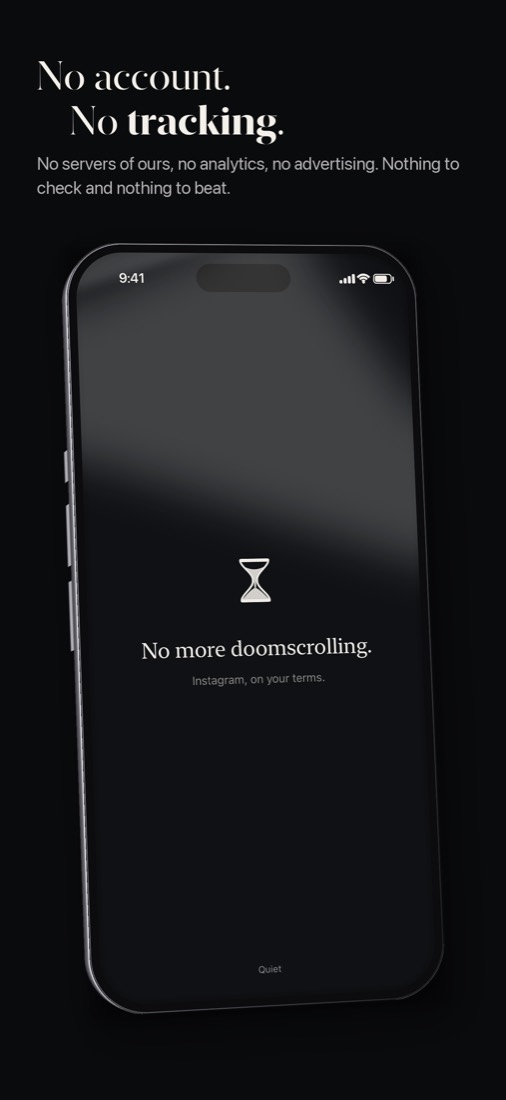
- No account, no server of its own, no analytics, no advertising, no
tracking. The App Store privacy label says "Data Not Collected".
- No streaks and nothing to check. One optional reminder a day, at an hour
you pick, and it stays quiet on a day you have already been.
- No countdown on screen. What is left sits in the panel for when you want
to know.
- It does not hide Instagram's ads. That is not what it is for.
The honest trade
Quiet runs on Instagram's mobile website, so pages load a beat slower than
the official app. You cannot post from it, it sends no notifications when a
message arrives, and Reels sent to you in a chat stay closed. If you want everything
Instagram ships, keep using Instagram. If you would rather see what your
friends posted and then put the phone down, this is built for that.
Questions
How can I use Instagram without Reels on iPhone?
Install Quiet and sign in on Instagram's own login page inside it. Feed,
stories, messages and profile are there; the Reels and Explore pages are
refused. Then move the official app off your home screen, or delete it.
Is it really free?
Yes. No subscription, no in-app purchases, no ads.
How is this different from Screen Time?
Screen Time limits the whole app, Reels included, and when the limit runs
out it offers to ignore it. Quiet takes Reels and Explore away so the time you
do spend goes to people you follow, and its limit cannot be raised for the day
you are in.
What can I do in it, and what not?
Feed, stories, messages, likes, comments and profiles all work. Finding
someone works by name and remembers the last eight profiles you opened.
Posting photos or stories does not work, there are no push notifications for
messages, and a Reel a friend sends you in a chat will not open. If you post
a lot, keep the official app for that and use Quiet for reading.
What if I really need more time today?
You can't get it in Quiet, on purpose. The official app is still on the App
Store, and nothing stops you. Quiet just won't be the one to give in.
Does it work on Android or iPad?
Quiet is an iPhone app for iOS 17 or later. There is no Android version.
Is it made by Instagram?
No. Quiet is made by Connexa GmbH in Switzerland and is not affiliated with
or endorsed by Instagram or Meta.
Can I see the code?
Yes, the source is public on GitHub,
including how Reels and Explore are taken out.